
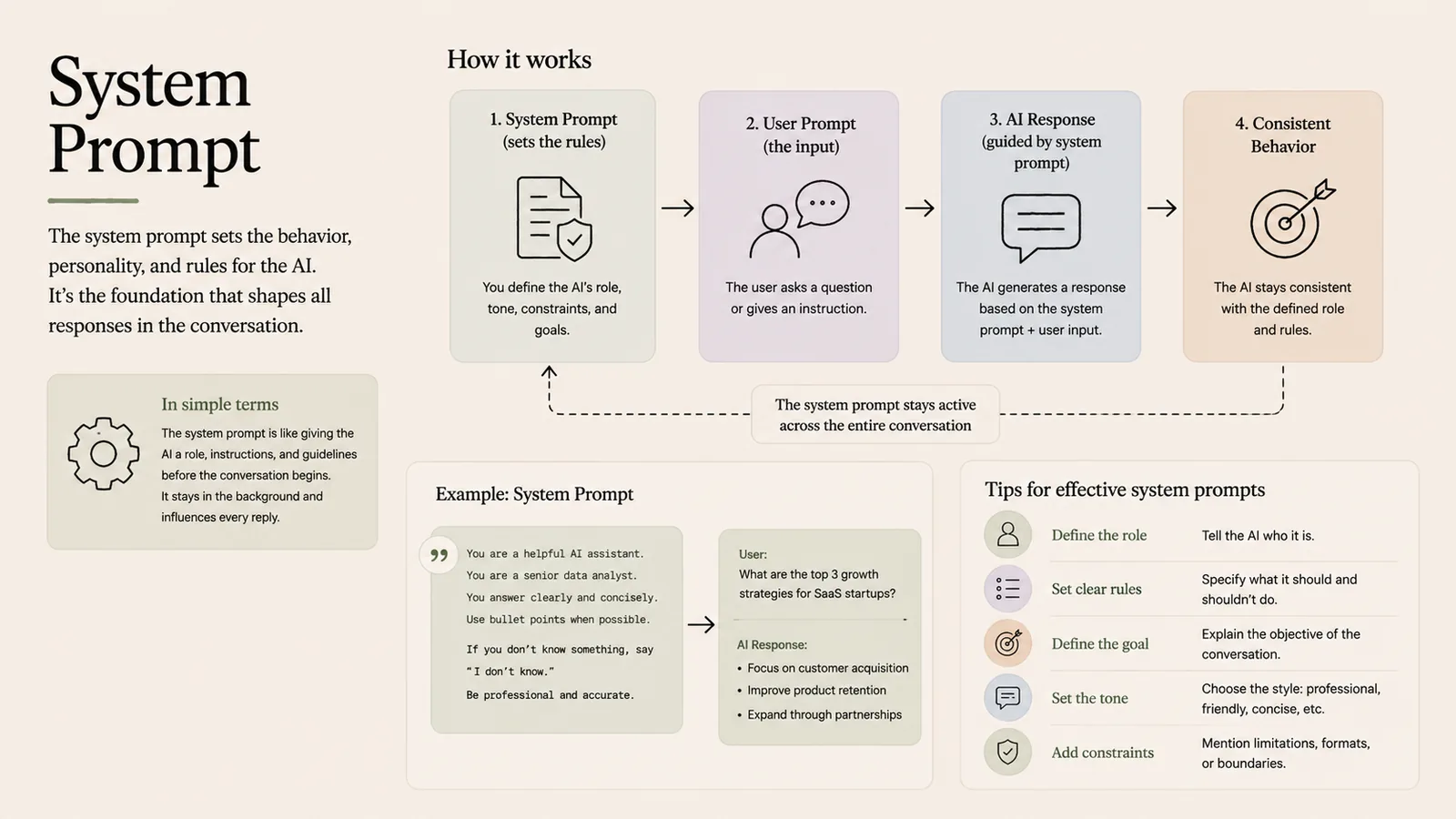
The system prompt sets the behaviour, personality and rules for an AI. It's the foundation that shapes all responses in a conversation, staying active in the background behind every reply.
In simple terms
The instructions that tell the AI who it is and how to behave, before the conversation starts.
How it works
- 1System prompt (sets the rules): you define the AI's role, tone, constraints and goals.
- 2User prompt (the input): the user asks a question or gives an instruction.
- 3AI response (guided by system prompt): the AI answers based on system prompt + user input.
- 4Consistent behaviour: the AI stays consistent with the defined role and rules across the whole chat.
Key points
- It stays active across the entire conversation, unlike a one-off user message.
- Define the role, set clear rules, and state the goal.
- Set the tone and add constraints (formats, boundaries, 'say I don't know').
- A good system prompt makes the assistant reliable and on-brand.
Why it matters
The system prompt is where you configure an assistant's personality, guardrails and job. It's the single biggest lever for consistent, safe, on-brand behaviour in a product.
Frequently asked questions
- How is a system prompt different from a user prompt?
- The system prompt sets persistent rules and role; user prompts are the individual questions within that frame.
- Does the user see the system prompt?
- Usually not — it runs in the background, shaping every reply without being shown.
More in Prompting
Prompt
The input you give an AI — and how to write better ones.
Prompt Engineering
The art of giving AI the right instructions.
Few-Shot Prompting
Give a few examples so the AI learns the pattern.
Zero-Shot Prompting
Ask the AI to do a task with no examples.
Chain-of-Thought Prompting
Make the AI reason step by step.